Why it is recommended
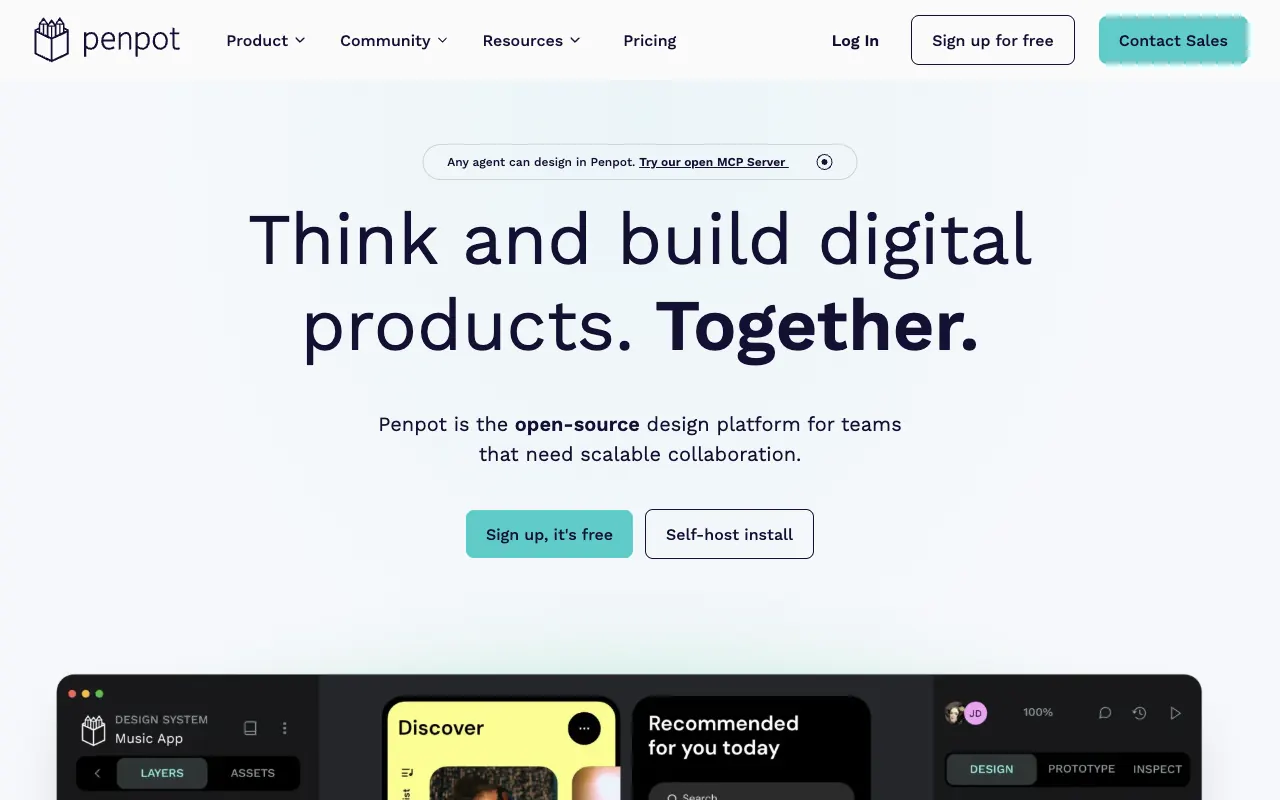
Penpot lets you design screens and collaborate in the browser, Figma-style. Its output is web-standard SVG and CSS, so handoff to code is easy, and you can use the free official cloud or run it yourself with , so you are not tied to one vendor's cloud.
Set it up with an AI agent
What you need
- A browser (free account on the official cloud)
- To self-host: , a and a computer with plenty of memory
Right away (about 30 minutes to self-host)
- Start right away with a free account at penpot.app
- To self-host: paste the prompt below into a
- Create an account at http://localhost:9001
Paste it into a coding agent such as Claude Code or Cursor. A ChatGPT chat window cannot run the commands.
Run Penpot on my computer with Docker.
- Download and use the docker-compose file from the self-host (Docker) section of the official Penpot docs.
- Before starting, check my machine's memory and warn me if it is too low.
- Finish by walking me through creating an account at http://localhost:9001.

Before you start, check for existing installs and port conflicts. Before each command, explain in one line what it does, and ask me first before anything that deletes, overwrites or exposes something publicly.