Why it is recommended
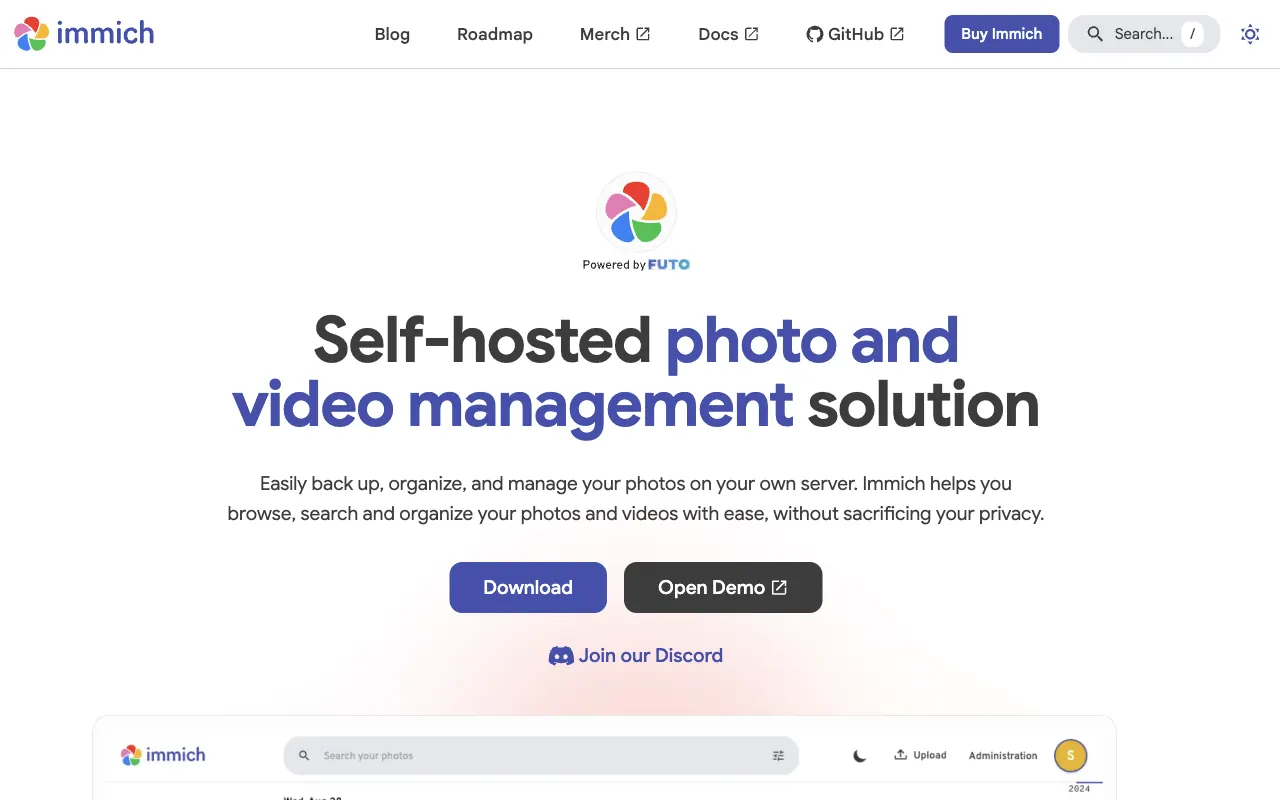
Immich gives you nearly the full Google Photos experience (auto-backup app, face recognition, map, natural-language search) on your own computer or . Instead of a storage plan you pay for your own disks and backups, and your photos stay on storage you manage. Development is very active, so updates land fast.
Set it up with an AI agent
What you need
- An always-on computer or to receive your photos
- (free for personal use)
- A such as Claude Code or Cursor
About 30 minutes to install; the first photo backup takes longer
- Paste the prompt below into a
- Tell it where to keep your photos when it asks (it installs with )
- Point the Immich phone app at your server and turn on auto-backup
Paste it into a coding agent such as Claude Code or Cursor. A ChatGPT chat window cannot run the commands.
Install Immich with Docker.
- Follow the Docker Compose guide in the official Immich docs, using docker-compose.yml and example.env from the official release.
- Ask me where to store photos (UPLOAD_LOCATION), and replace the DB password with a random string.
- After it starts, walk me through creating the admin account at http://localhost:2283.
- Finally, show me how to connect the Immich phone app over the same Wi-Fi and turn on auto-backup.

Before you start, check for existing installs and port conflicts. Before each command, explain in one line what it does, and ask me first before anything that deletes, overwrites or exposes something publicly.