Why it is recommended
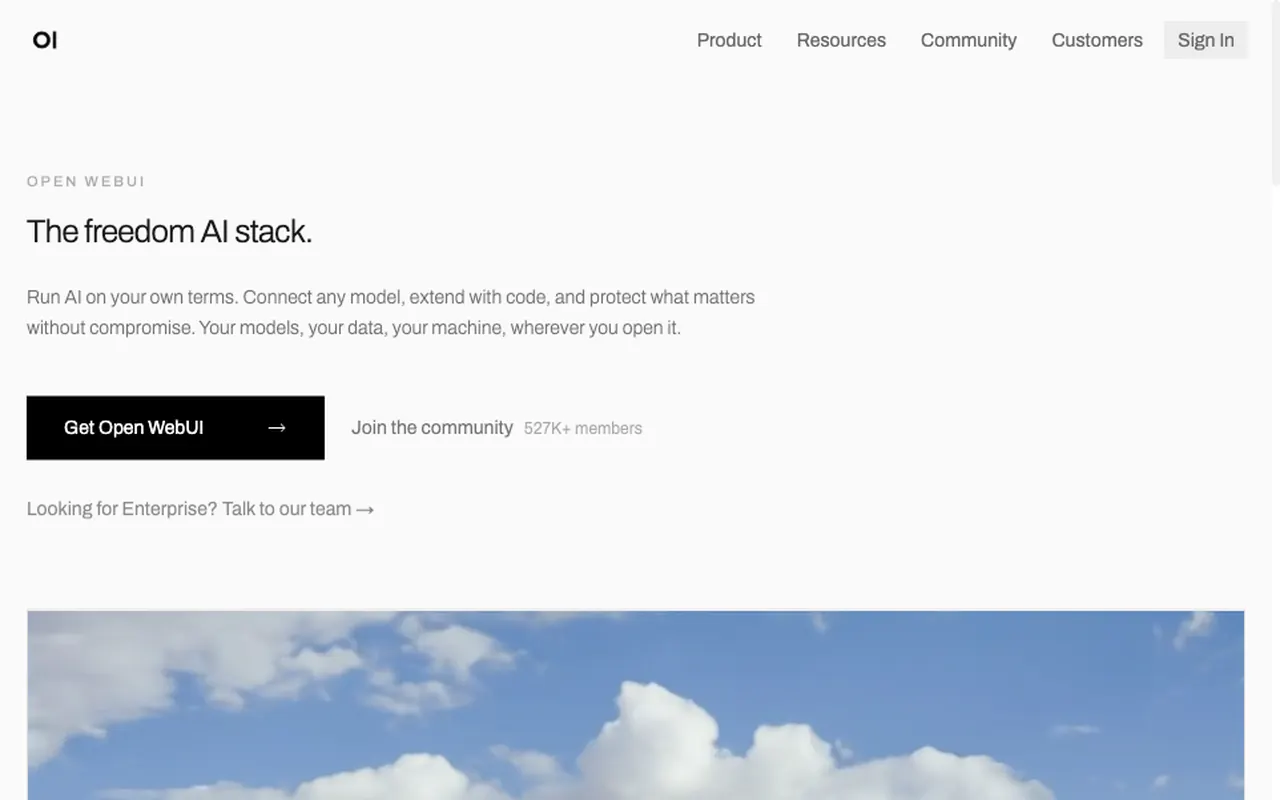
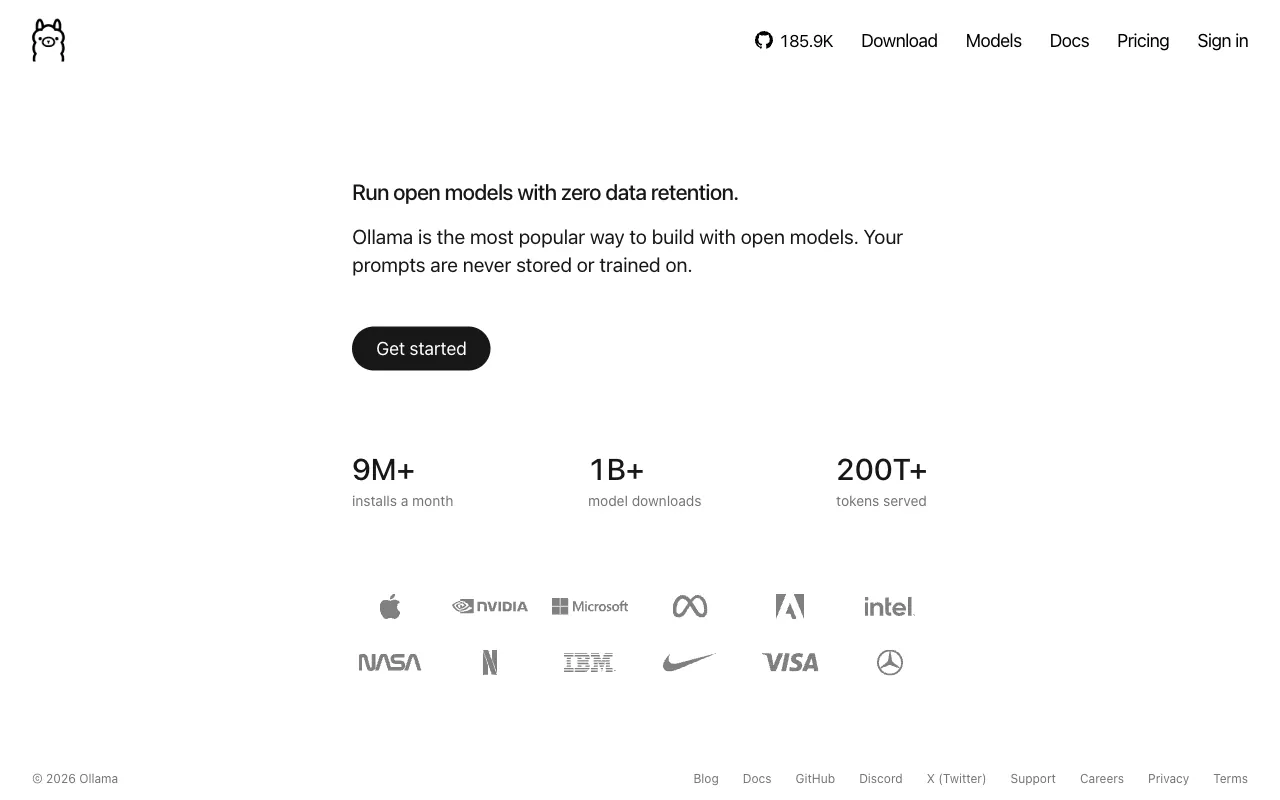
Once you download a model, Ollama runs a locally, offline. Chats with are processed on your machine, and for light work like summaries, translation and first drafts it is enough to skip a subscription. It is also the engine most local-AI tools plug into (Open WebUI, editor plugins), so one install serves all of them.
Set it up with an AI agent
What you need
- A Mac or Windows PC with 8 GB of or more (more runs bigger models)
- A few GB of free disk space (one model is usually 2–5 GB)
About 10 minutes, including the model download
- Install the macOS or Windows app from ollama.com
- Pick a small model in the app and download it (or hand the prompt to an agent if you use the )
- Add Open WebUI if you want a ChatGPT-style screen
Paste it into a coding agent such as Claude Code or Cursor. A ChatGPT chat window cannot run the commands.
Install Ollama on my computer and get it ready to use.
1) First check my OS and how much RAM I have.
2) Install it using the official method from ollama.com.
3) Pick one small model that fits my RAM, tell me why, then pull and run it.
4) Ask it one short question to confirm it works.

Before you start, check for existing installs and port conflicts. Before each command, explain in one line what it does, and ask me first before anything that deletes, overwrites or exposes something publicly.