Why it is recommended
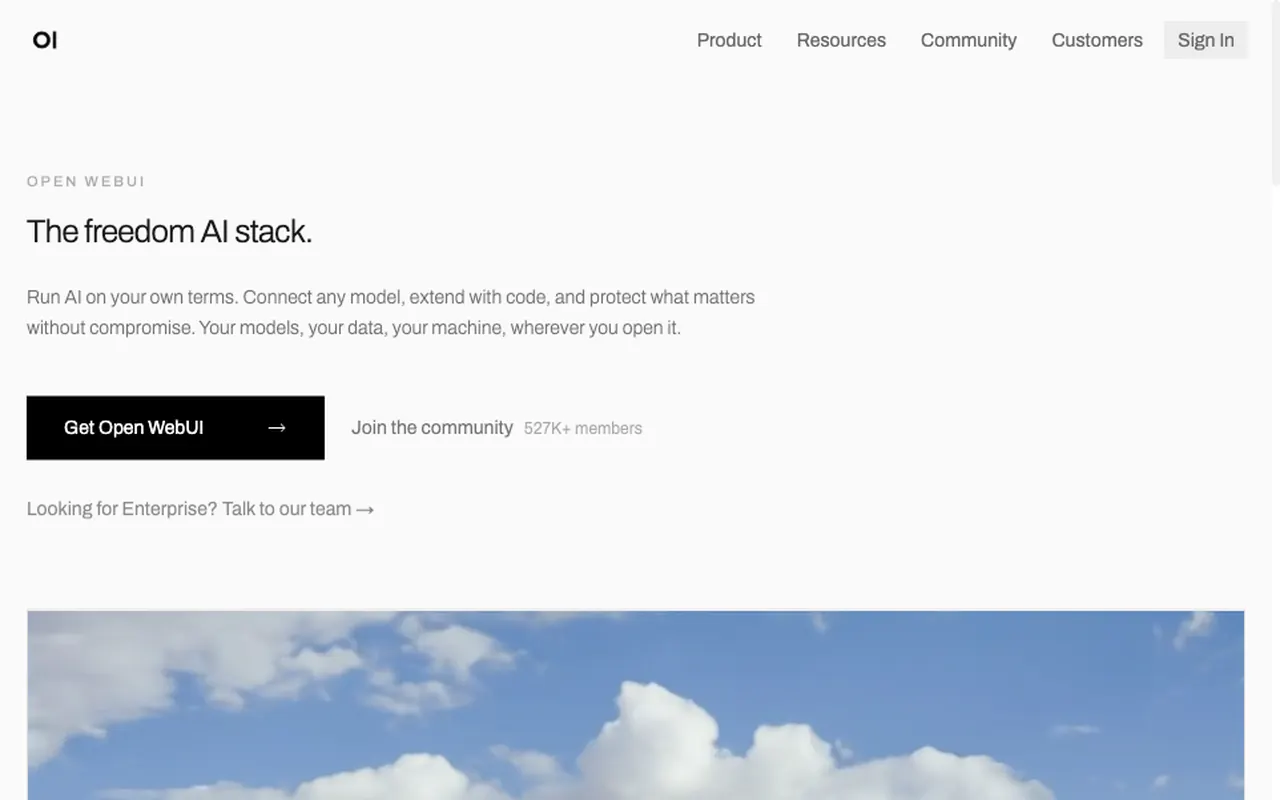
Open WebUI gives you a chat screen that feels like ChatGPT, on your own machine. Pick an Ollama or any OpenAI-compatible from the same box, and you move from a flat subscription to paying for what you use. Chat history, uploaded documents and saved prompts are stored on your server; if you use an external API model, prompts and replies are sent to that provider.
Set it up with an AI agent
What you need
- (free for personal use)
- A such as Claude Code or Cursor
- A model to use: Ollama (free) or an OpenAI-compatible
About 15 minutes
- Install
- Paste the prompt below into a (port 3000)
- Open http://localhost:3000; the first account becomes admin
Paste it into a coding agent such as Claude Code or Cursor. A ChatGPT chat window cannot run the commands.
Install Open WebUI with Docker.
- If Docker is missing, walk me through installing Docker Desktop first.
- Use the official docker run command from the open-webui/open-webui README, expose port 3000, and keep data in a named volume so chats survive removing the container.
- If Ollama is running on my machine, check that Open WebUI can reach it.
- Finish by walking me through creating the first (admin) account at http://localhost:3000.

Before you start, check for existing installs and port conflicts. Before each command, explain in one line what it does, and ask me first before anything that deletes, overwrites or exposes something publicly.