Why it is recommended
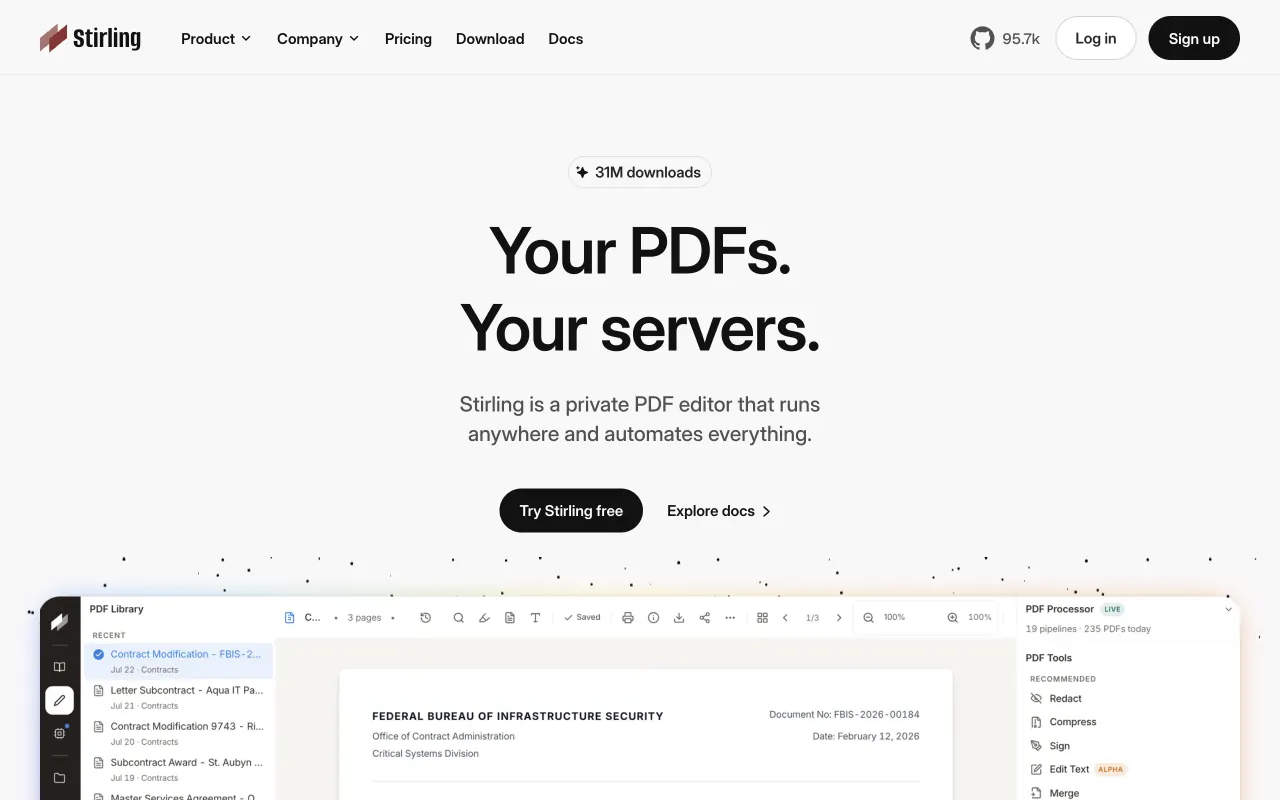
Dozens of PDF tools (merge, split, compress, , sign) on one screen. The big win: contracts and ID scans never go to an online converter. One command and it is up.
Set it up with an AI agent
What you need
- (free for personal use)
- A such as Claude Code or Cursor (it is one command, so typing it yourself works too)
About 10 minutes
- Paste the prompt below into a (it installs with )
- Add language data if you need it
- Use it at http://localhost:8080
Paste it into a coding agent such as Claude Code or Cursor. A ChatGPT chat window cannot run the commands.
Install Stirling-PDF with Docker.
- Follow the official Docker install instructions from Stirling-Tools/Stirling-PDF on GitHub.
- I need OCR in my language, so add that OCR language data the way the official docs describe.
- When done, open http://localhost:8080 and test it by merging two PDFs.

Before you start, check for existing installs and port conflicts. Before each command, explain in one line what it does, and ask me first before anything that deletes, overwrites or exposes something publicly.